Email marketing calendar for ecommerce: how to plan a full month (2026)
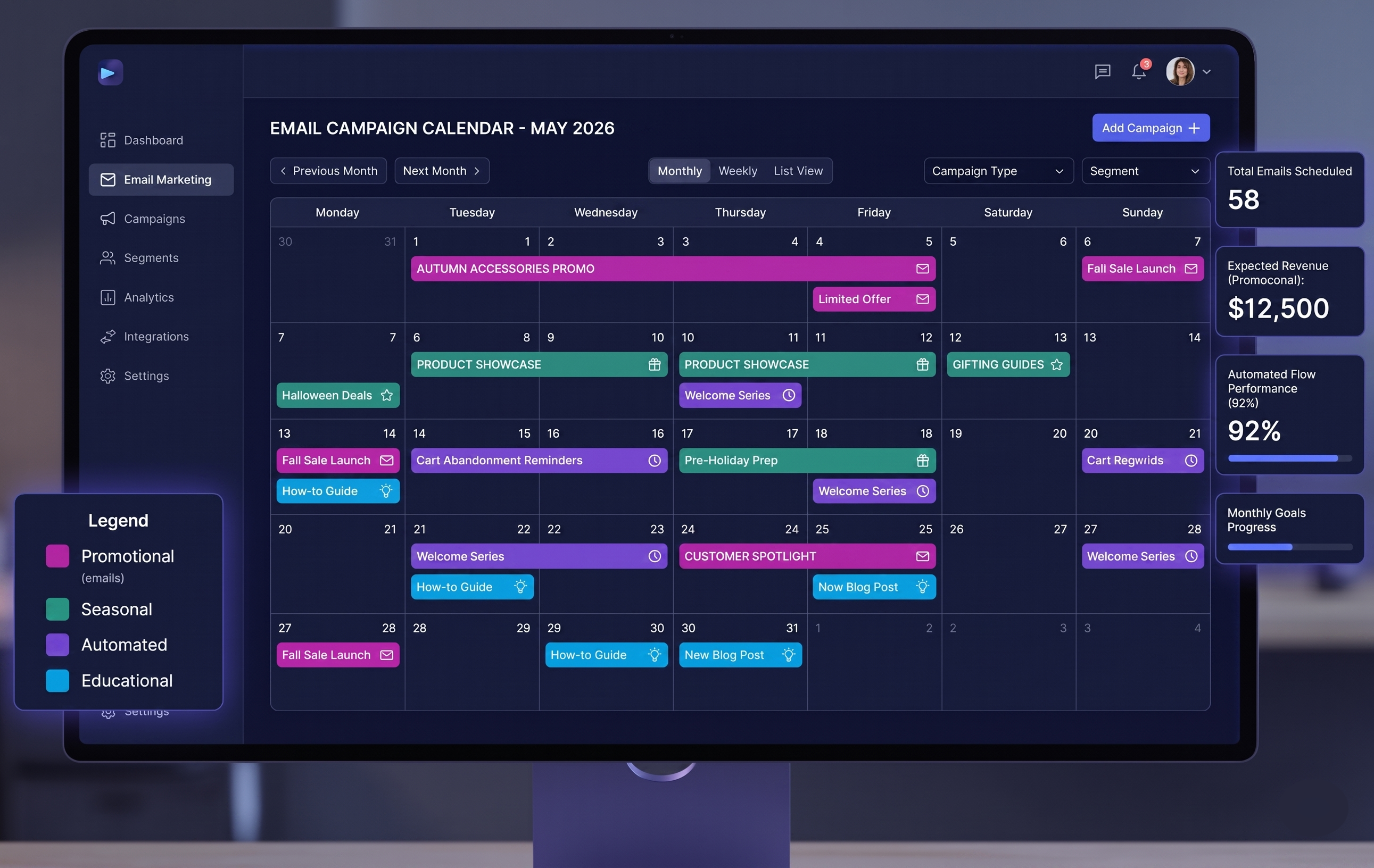
Most ecommerce stores don't have an email calendar. They have a vague intention to "send something this week" that either becomes a half-baked promotional email at 11pm or nothing at all.
The result is inconsistent sending, missed revenue windows, and a list that slowly forgets you exist. Then when you do show up, you're a stranger asking them to buy something.
A calendar fixes all of this. Not because it's some sophisticated system, but because it forces you to make decisions about your email program ahead of time instead of in the moment when you're tired and behind on everything else.
How many emails should you actually send
The number most store owners land on is lower than what the data says.
Stores that send 2-4 emails per week consistently outperform stores that send 2-4 per month. The concern about "annoying subscribers" is real but backwards. The bigger risk is underemailing. A list that hears from you weekly builds a habit. A list that hears from you whenever you remember exists mostly to get unsubscribes the next time you show up.
The practical floor for a functional ecommerce email program: 8 campaigns per month minimum. That's 2 per week. Most stores doing real revenue from email are sending 12-16.
That sounds like a lot until you break down what actually goes in each slot.
The 5 email types that fill your calendar
1. Promotional campaigns
These are the obvious ones. A sale, a new product drop, a bundle, a limited run. The mistake isn't sending them. The mistake is sending only these.
If every email you send is "here's a discount," you've trained your list to wait for discounts. The other email types in this list exist in part to prevent that.
Good promotional emails work best when they're tied to something specific: a reason for the discount, a deadline, a story behind the product. "30% off this weekend" performs worse than "we overordered on this jacket and need to move 200 units by Sunday" because one sounds like a business decision and the other sounds like your store's sale section.
2. Seasonal and event-based emails
Q4 alone accounts for a wildly disproportionate share of annual email revenue for most stores. But the calendar opportunity isn't just Black Friday and Christmas. It's the 30+ cultural moments throughout the year that give you a reason to email that isn't "we have a sale."
Valentine's Day, Mother's Day, back to school, the end of summer, the first cold week of fall. These aren't gimmicks. They're context. Context makes emails feel timely instead of random, which is most of what separates emails that get opened from emails that get deleted.
The stores that struggle with "nobody opens our emails" are often the ones sending on no particular schedule, for no particular reason. The stores doing 35%+ open rates have a reason for every email.
3. Automated trigger emails
These don't go on your calendar the same way — they run in the background without you touching them. But they need to be on your radar because they do most of the revenue-per-email heavy lifting.
Welcome sequences, abandoned cart emails, browse abandonment emails, post-purchase sequences, win-backs. Each of these runs automatically, based on behavior, and converts at rates that your broadcast campaigns will almost never match.
If you don't have these set up yet, they're the first thing to build before you worry about calendar planning. They're generating revenue while you sleep. Campaign emails generate revenue when you send them.
4. Product story and educational emails
These are the ones most stores skip because they feel like the "soft" emails that don't directly sell anything.
That's a mistake. Product story emails — how something is made, the sourcing behind it, the problem that inspired it — do something promotional emails can't. They give subscribers a reason to care about your brand beyond the discount. Which means when you do send a promotional email, they're more likely to open it.
Educational emails work the same way. "How to layer your skincare routine" from a skincare brand. "5 ways to style this season's pieces" from a clothing brand. You're giving value before asking for anything. That relationship compounds over time.
The ratio that tends to work: for every 3-4 promotional or offer-led emails, one email that's purely about value.
5. Re-engagement and list health emails
Once a quarter, your calendar should include a re-engagement push to the part of your list that hasn't opened anything in 90+ days. Not a promotional email. A "are we still good?" email.
This isn't about winning back revenue from dormant subscribers in that moment. It's about keeping your sender reputation clean. Unengaged subscribers drag your deliverability down for everyone on your list. A clean 10,000-person list outperforms a bloated 25,000-person list nearly every time.
A simple monthly template
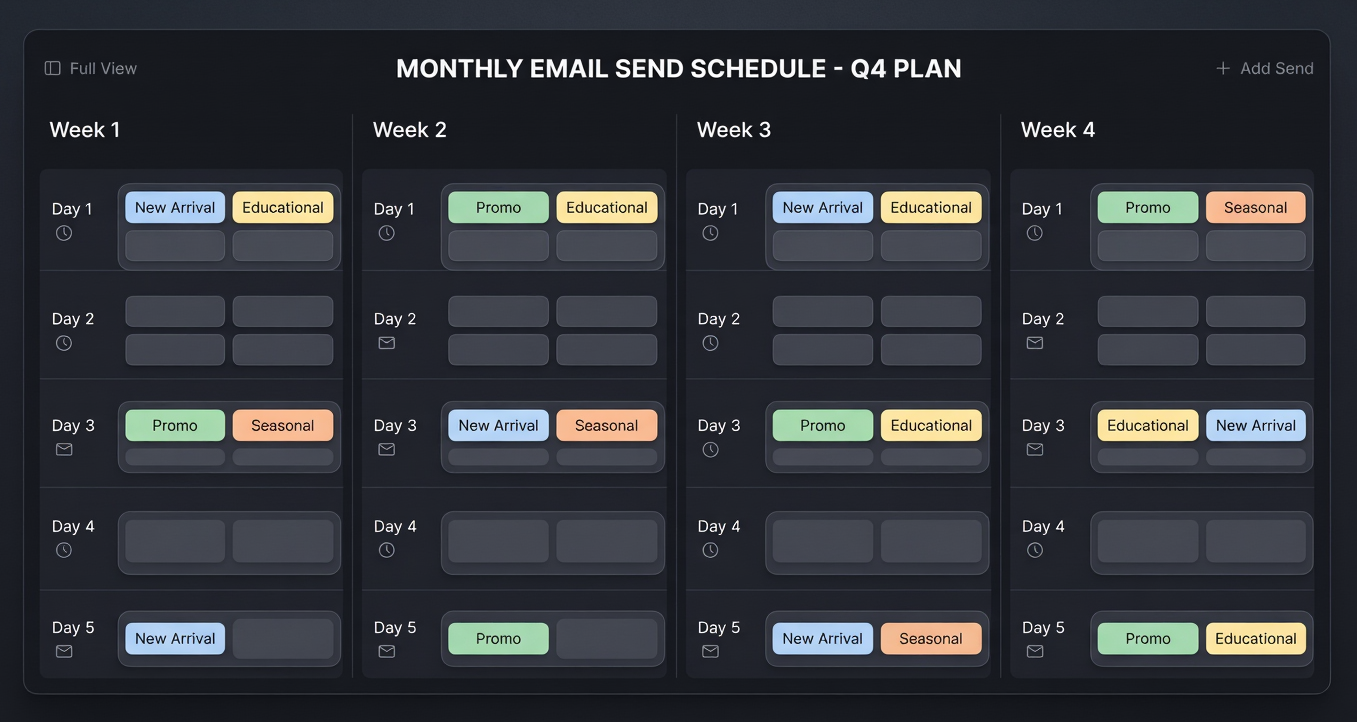
Here's what 12 sends per month actually looks like broken down:
Week 1
- Email 1: New arrival or product focus (story-led)
- Email 2: Promotional or offer
Week 2
- Email 3: Educational or value email
- Email 4: Promotional or seasonal tie-in
Week 3
- Email 5: Product story or customer content
- Email 6: Promotional or limited run
Week 4
- Email 7: Seasonal or event-based
- Email 8: Promotional with urgency close
Monthly slots
- 2 additional sends to active buyer segment (cross-sell or early access)
- 1 re-engagement email to dormant segment
- 1 VIP-only send (top 10% by spend)
That's 12 campaign sends plus the automated flows running in the background. Depending on your store and category, you'd adjust the ratio of promotional to educational. Higher-ticket products usually need more story. Consumables can lean heavier on offers without training the discount reflex as quickly.
The part that actually takes time
Planning the calendar and deciding what goes in each slot is an afternoon. The bottleneck that breaks most stores' email programs isn't strategy. It's execution.
Writing 12 emails per month, designing them to look on-brand, pulling the right products for each one, getting the links right, QA-ing on mobile — that's 8-10 hours of work if you're doing it manually. Most small store operators don't have a full workday to spend on this. So either the calendar becomes aspirational fiction or it gets handed to someone who doesn't know the brand well enough to write for it.
MailCommerce AI handles the execution side. You paste your store URL, it reads your product catalog and brand, and generates the actual emails — copy, design, links — for each campaign type. The calendar becomes real because the emails take less than an hour to produce.
Free to try, no card required. Start here.
Related: Ecommerce email marketing strategy for 2026 | Welcome email sequence for ecommerce | Abandoned cart email sequence | AI email segmentation for ecommerce