Browse abandonment emails: the flow most ecommerce stores skip
Most of the stores I look at have an abandoned cart flow. Three emails, product reminder, maybe a discount. That one's usually running.
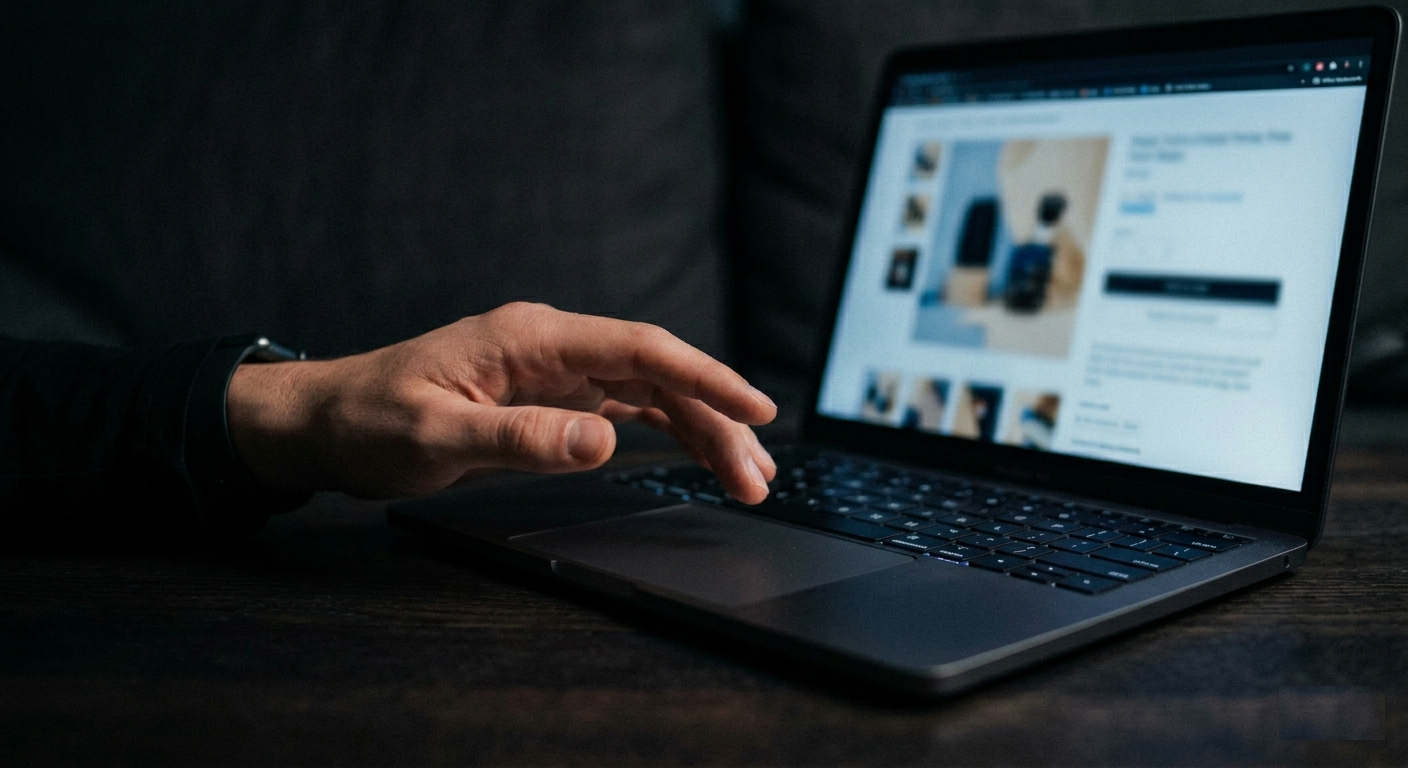
Browse abandonment is the 'flow before the flow'. It fires when someone views a product page and leaves without adding anything. Most stores don't have it. Which means every month, people are looking at your products and walking away, and you're sending them nothing.
Some of those people would have bought. Not most. But the window right after they leave, while the product is still in their head, is when the right email can tip them back. If you're not sending one, that sale goes somewhere else. There's no metric in your Klaviyo showing you how much that costs.
Stores with this properly set up typically see 2-3% extra revenue every month. Industry median conversion rate sits at 0.45%. Better-built sequences hit 1.66%. One account I've looked at generated $21,000 from browse abandonment in a single month. Most stores see something more modest and more consistent. Which is the better outcome anyway.
Browse abandonment vs. cart abandonment
Cart abandonment fires when someone adds something and starts checkout. High intent, close to buying. If you don't have that one running yet, start there first.
Browse abandonment goes earlier. Someone viewed a product page, actually looked at it, and left without adding anything to the cart. Lower intent, clearly. But way more visitors view products than ever start a checkout. The pool is bigger, and in my experience the math still works out.
It typically produces about 10-30% of what cart abandonment does. So nobody's skipping the checkout flow for this. But once that's already running and you're looking for what to add next, browse abandonment is the obvious call.
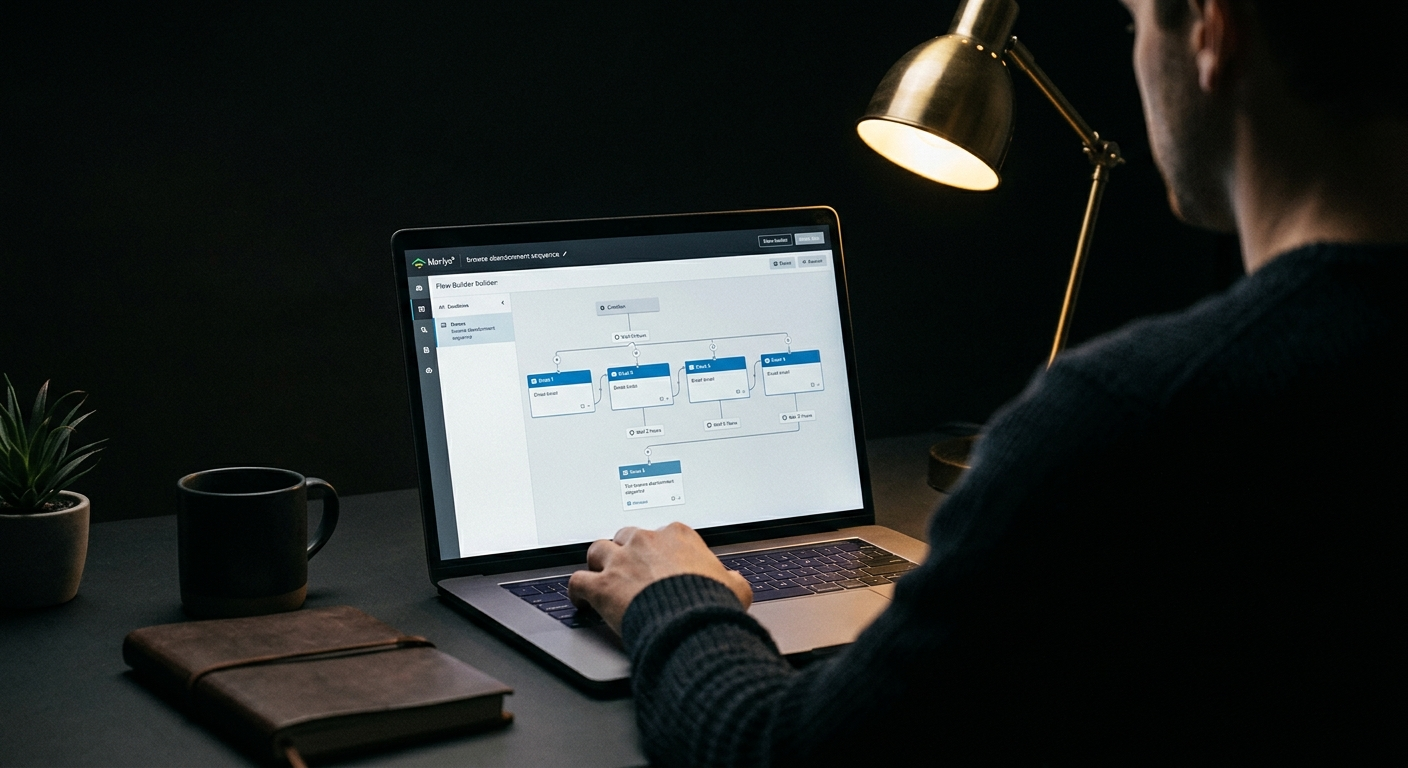
Setting it up in Klaviyo
The trigger is the Viewed Product metric. Make sure your Shopify integration is synced and that Viewed Product tracking is enabled. Sounds obvious. In my experience it's the most common reason a browse abandonment flow never fires, and people spend days trying to figure out why.
The flow filters are where most setups go wrong. You need to exclude anyone who's already moved further down the funnel. If they started checkout since entering the flow, exclude. Added to cart, exclude. Placed an order, exclude. Skip those and you're sending browse abandonment reminders to someone who already bought from you. (I've seen it happen. It does generate customer replies. They're not positive.)
Klaviyo defaults the "has not been in this flow" window to 30 days. Drop it to 14. Someone who viewed a product 12 days ago is still a valid target, and at 30 days you're quietly leaving money on the table without any signal that you're doing it.
Smart Sending: turn it off for email 1. Smart Sending can suppress the send if the subscriber received anything from you in the past 16 hours, and the whole point of email 1 is timing. If a regular campaign knocks it out because you sent something that morning, you've missed your window. Turn Smart Sending back on for emails 2 and up.
Timing on the first email
Somewhere in the 30-minute to 2-hour range after the browse event. That's where most stores land and it works. You want to reach them while the product is still in their head, not so immediately that it feels like surveillance.
For impulse-buy products, the shorter end of that range is better. For higher-ticket items you can stretch it to 2 hours because those decisions take longer anyway. One brand tested a 15-minute window and found it outperformed their standard timing for their audience. (Didn't expect that either, but the data is the data.) Once you have real volume on the flow, timing is worth testing. For the initial setup, just pick a point in that range and build from there.
The second email I set up to go out about 24 hours after the first, adjusted to arrive at the same time of day the subscriber was originally browsing. They were in shopping mode at that hour. The idea is to reach them in it again.
What each email in the sequence is actually doing
Three to five emails for most stores. High-ticket brands, average order over $400, can push to seven.
Email 1 is just a reminder. Nothing more. Dynamic product block showing the exact item they looked at, short copy, link back to the product page. Subject lines like "Did you see something you liked?" or "Did you want to take another look at this?" have in my experience outperformed anything that reads like a sales pitch. The tone is: here's what you were looking at, figured you might want it.
No discount in email 1. This is the most common mistake here and it's an expensive one. The moment you open with a coupon you've told your subscribers that browsing and waiting will get them a discount. They'll do exactly that. Every future purchase from that customer will happen at margin you gave up for no reason.
Email 2 deals with whatever stopped them from buying the first time. In my experience it's rarely about the product itself. It's the background stuff: what if I don't like it, how long does shipping take, can I trust this store. Cover your return policy, your guarantee, your shipping terms. Press mentions and awards if you have them. If your money-back guarantee is strong, give it a name in this email. "30-Day Returns, No Questions" lands better than "satisfaction guaranteed" because it sounds like an actual commitment, not generic footer text that every store copy-pastes.
Email 3 is social proof. Reviews specifically about the product category they looked at, not generic five-star stuff. Real customer quotes. Before-and-after photos if your product type has them. You want buying to feel like something other people already did and came out fine. Not a gamble.
Emails 4 and 5 are the offer decision. Not every brand should use a discount here. If you rarely run promotions, adding one trains your list to expect them whenever they browse. If your margins don't support it, just don't.
If you do use an offer, don't lead with it. Start with something genuinely useful, a tip, a short story, something the reader gets before you ask them to spend money. Then the offer shows up at the end. And the urgency needs to be real. A "sale ends tonight" that resets every Thursday? Your subscribers notice that faster than you'd think. It doesn't just fail to convert, it quietly makes them trust everything else you send a little less.
One small thing worth adding for plain-text sends: put indented arrows in front of links.
>> Take another look here: [link]
Consistently moves click rates up. Easy to miss, easy to add.
The copy problem
Getting the Klaviyo filters live takes a couple of hours. The copy is where time actually disappears. Five emails, across multiple product categories, different proof points and angles for each one. Most stores write one version, plan to come back and build the category-specific variations later, and never do. Which is fair. There's always something more urgent when you're running a store.
For stores doing over $1M a month in revenue, segmenting by product category is worth the effort. Someone looking at your $800 product needs completely different emails than someone who browsed a $30 accessory. Different objections, different social proof, different tone. Generic "hey come back" emails get generic conversion rates. The 1.66% I mentioned isn't coming from generic.
MailCommerce AI handles the email design side of this automatically. You paste in your store URL, it reads your catalog and generates the emails with dynamic product blocks, brand-matched design, and copy for each one. Ready to drop into your Klaviyo flow once it's set up. And since it pulls from your live catalog, what gets sent reflects what you're actually selling right now, not what your store looked like when you first set things up.
Free to try, no credit card required. Start here.
How browse abandonment connects to the rest
Browse abandonment doesn't sit in isolation from your other email activity. How it interacts with your main campaign sends, your segmentation setup, and your overall deliverability all affect how it performs over time. The ecommerce email marketing strategy guide for 2026 covers how the pieces fit together if you want the broader picture.