Abandoned cart emails: what the sequence actually looks like

The most expensive mistake in abandoned cart email flows is putting a discount in the first one. Not wrong trigger, not bad timing. That. And most stores do it.
The moment email 1 has a coupon, your subscribers have learned something. They've learned that adding to cart and not buying will get them a deal. And they'll do it every single time. Every future purchase from that customer happens at a margin you didn't need to give. A chunk of those people would have bought on a simple reminder anyway. You're discounting customers who were already going to pay full price.
Save the discount for later in the sequence. Not the first email. Never the first email.
That said, the actual problem most stores have isn't the discount. It's the trigger. Most abandoned cart flows aren't abandoned cart flows at all.
The trigger most stores have wrong
Ask a store owner if they have a cart abandonment flow running. They say yes. You go into Klaviyo and the trigger is "Started Checkout."
That's abandoned checkout. It fires when someone got to the payment page and left. Completely different group, further along in the funnel. Someone who added something to their cart and closed the tab before ever getting to checkout. Those people are not in that flow. Most stores are sending them nothing, and there's no warning in Klaviyo telling them the trigger is off.
The actual trigger for cart abandonment is the Added to Cart metric. Shopify doesn't push that to Klaviyo automatically. There's a toggle in the Shopify integration settings. Turn it on, wait a day for the metric to populate, and then the flow will actually fire on the people it's supposed to. This is the one thing I've seen cause more "why isn't my cart flow doing anything" confusion than anything else in the whole setup. The data was just never there.
Flow filters matter after that. Exclude anyone who Started Checkout since entering the flow. Anyone who Placed an Order. Anyone who Added to Cart again since they're already in the sequence. Skip those and you end up emailing someone who bought from you twenty minutes ago to tell them they left something in their cart. (It happens. The customer replies are memorable. Not in a good way.)
Smart Sending: off for email 1. Smart Sending skips sends if the subscriber got anything from you in the past 16 hours. Great for most cases. But if a campaign goes out at 10am and Smart Sending then kills the cart email at 2pm, you've missed the window the entire flow is designed around. Turn it off for email 1, leave it on for 2 and 3.
Who gets what
Before the first email fires, two splits are worth putting in.
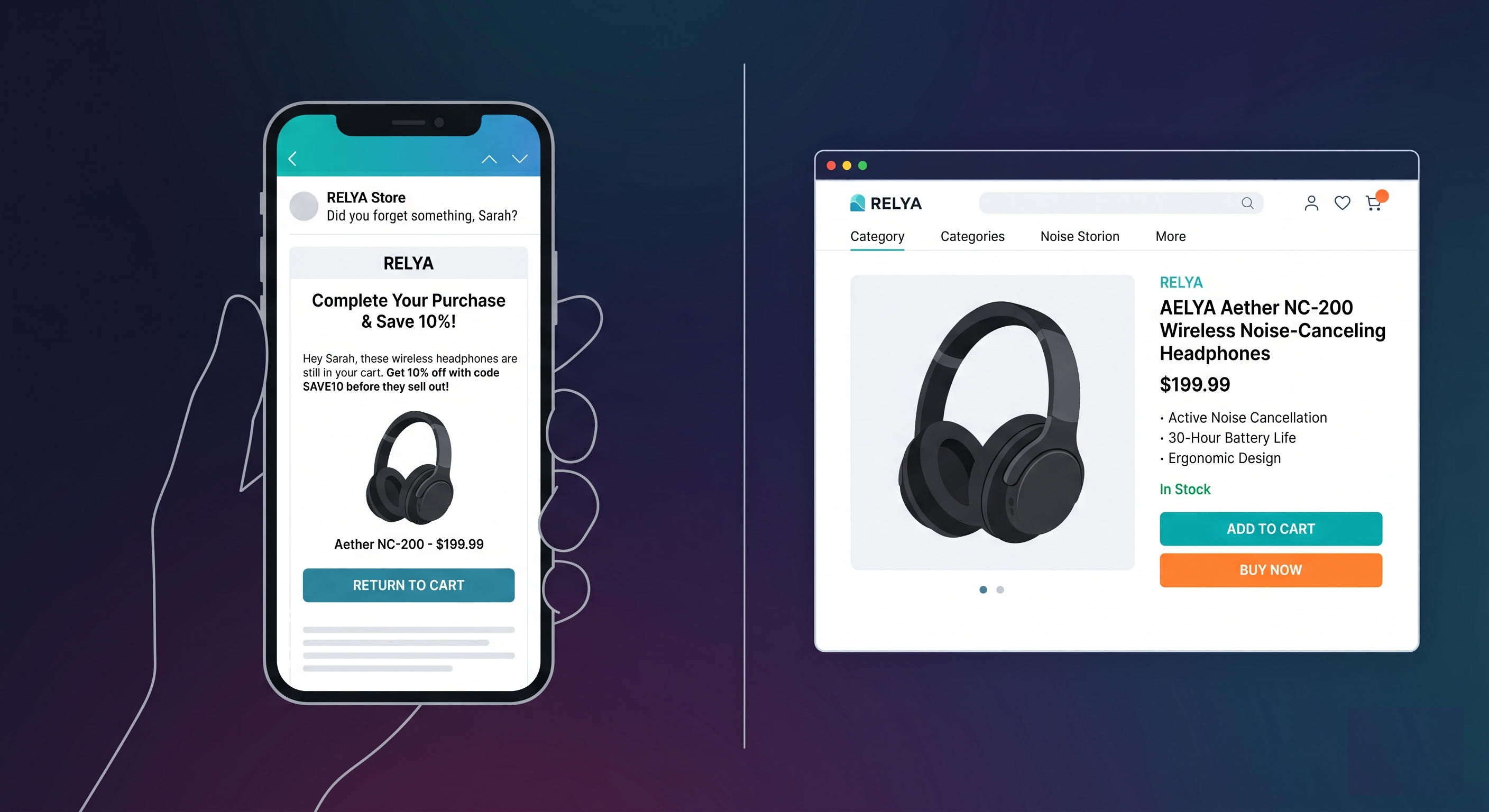
Cart value split. If your store has a free shipping threshold, say $75, the person sitting at $68 needs to know they're $7 away. The person sitting at $220 does not need that email. Sending the $7-from-free-shipping message to someone with $220 in their cart just makes the whole sequence look like no one thought it through. Which is accurate if you didn't split it.
New versus returning customers. A returning customer already trusts you. They're not going to need three emails building up to your review counts and return policy to convince them. One or two direct reminders usually does it. First-time buyer needs more. If you run both through the same flow you're getting the optimization wrong for at least one of them, and usually both.
Timing
Twenty to sixty minutes for the first one. The product is still in their head. Past 4 hours the intent has mostly cooled, they've moved on to other things and your email is now competing with all of that.
For cheap, impulse-buy products, the shorter end of the range works better. For something that takes a few days to actually decide on, you have more room. For the initial setup just pick something in that window and go. Timing is worth testing properly once you have real volume on the flow.
Second email goes out 24 hours after the first. Not 22, not 26. People check email on a daily cycle. Email 1 lands Tuesday at 3pm, email 2 lands Wednesday at 3pm. Same time of day, same headspace they were in when they were shopping. That's the idea.
Third email: 48 to 72 hours after that. You're in follow-up territory now, not reminder territory. The tone shifts.
What each email is actually doing
Three emails for most stores. High-ticket brands with average orders above $400 can run to five or six because the consideration cycle is longer.
The structure is the same as any abandonment sequence: reminder, then objections, then social proof, then offer if you go there. The browse abandonment post covers the full per-email breakdown: what each email needs to do, why you shouldn't offer a discount in the first email of the sequence, and the plain-text format that tends to outperform designed emails later in the sequence.
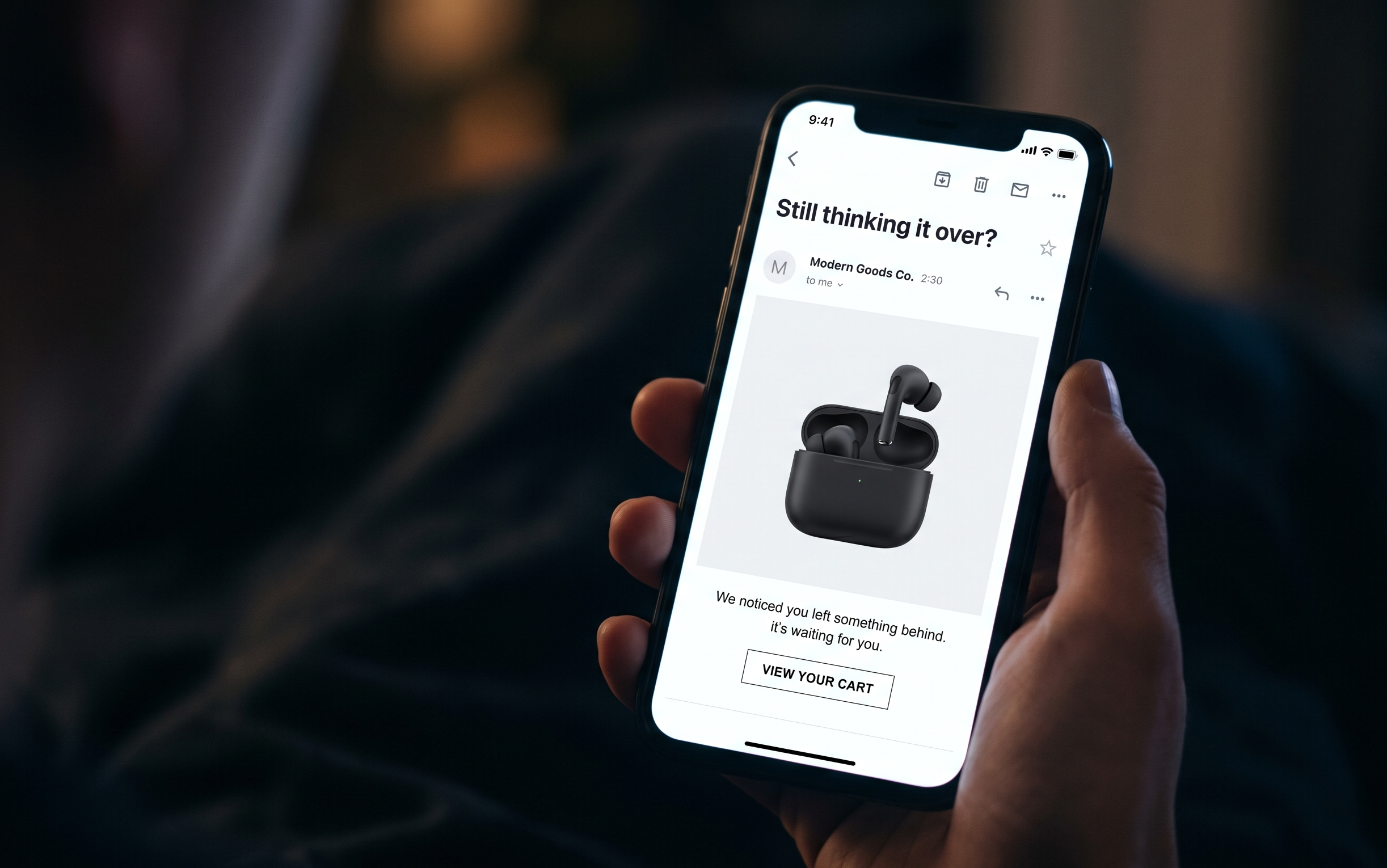
One thing specific to cart: the person already decided they wanted the product. They put it in their cart. Email 1 isn't trying to sell them on it. Subject lines that read like a check-in ("Still thinking it over?") consistently outperform anything that sounds like a campaign launch.
The part that takes the most time
Getting the triggers and filters live: a few hours. The copy is where things slow down.
Three to five emails per segment. Cart-value variants for the shipping threshold split. New versus returning copy differences. Different proof points depending on which product category they added. Most stores write one version at launch, plan to build out the full thing later, and never get around to it. Something more urgent always comes up.
The consequence is a $15 product and a $300 product getting the exact same email. The objections aren't the same. The social proof that actually moves someone at $300 is different from what works at $15. Generic cart abandonment emails get generic recovery rates. The accounts I've seen sitting at the higher end of that 5-10% recovery range aren't running identical copy across their whole catalog.
MailCommerce AI handles the email design and copy side automatically. You paste your store URL, it reads your catalog and generates cart abandonment emails with dynamic product blocks matched to your brand. Ready to drop into your Klaviyo flow. It pulls from your live catalog so the product details are always current, not whatever your store looked like when you first set things up months ago.
Free to try, no credit card required. Start here.
One more thing on flow exclusions
If you're running a browse abandonment flow too, you need exclusion logic between the two. Someone who browsed a product, added it to cart, then left should get handed off from browse abandonment into the cart flow cleanly. Without that, both sequences fire on the same person. That's not great.
The browse abandonment setup guide covers the filter side of that in detail. The segmentation setup and email strategy guide get into how the pieces fit together if you want the bigger picture.
Trigger and filters, usually an afternoon. The copy variants are what actually take time. And that's what most stores never quite get around to finishing.